
Getting Started
Create your MiObodo account
Quick and easy — follow these 8 steps to start hiring or offering your skills on the platform.
Download the app
Get MiObodo free from the App Store or Google Play Store. Tap the icon to launch.

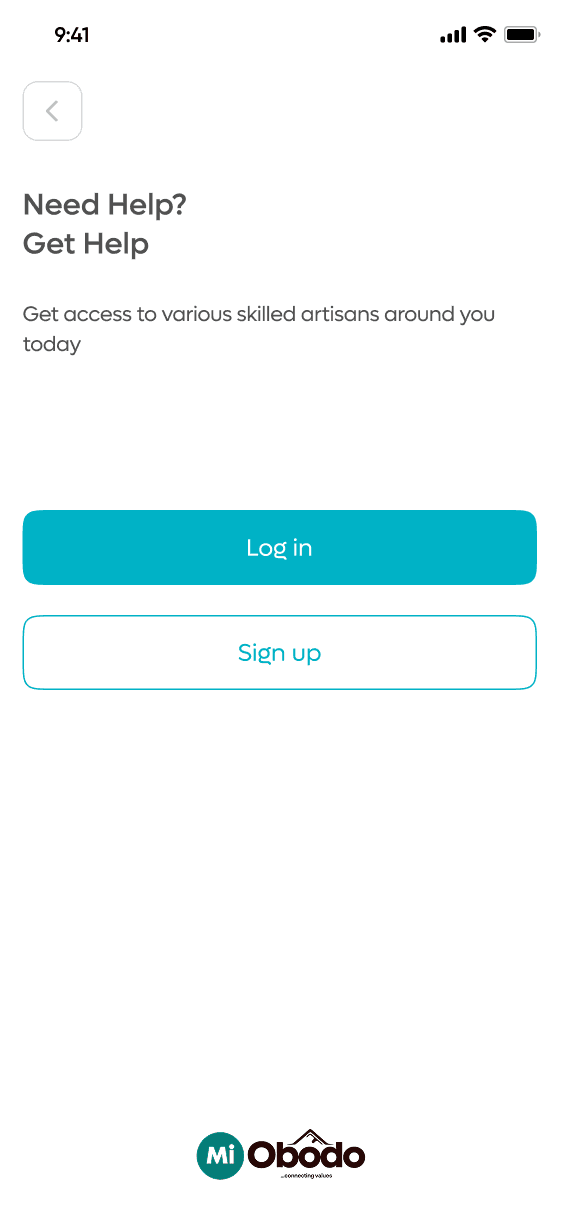
Tap Sign Up
On the welcome screen, tap "Sign Up" to begin your registration. Existing users can tap "Log in" instead.
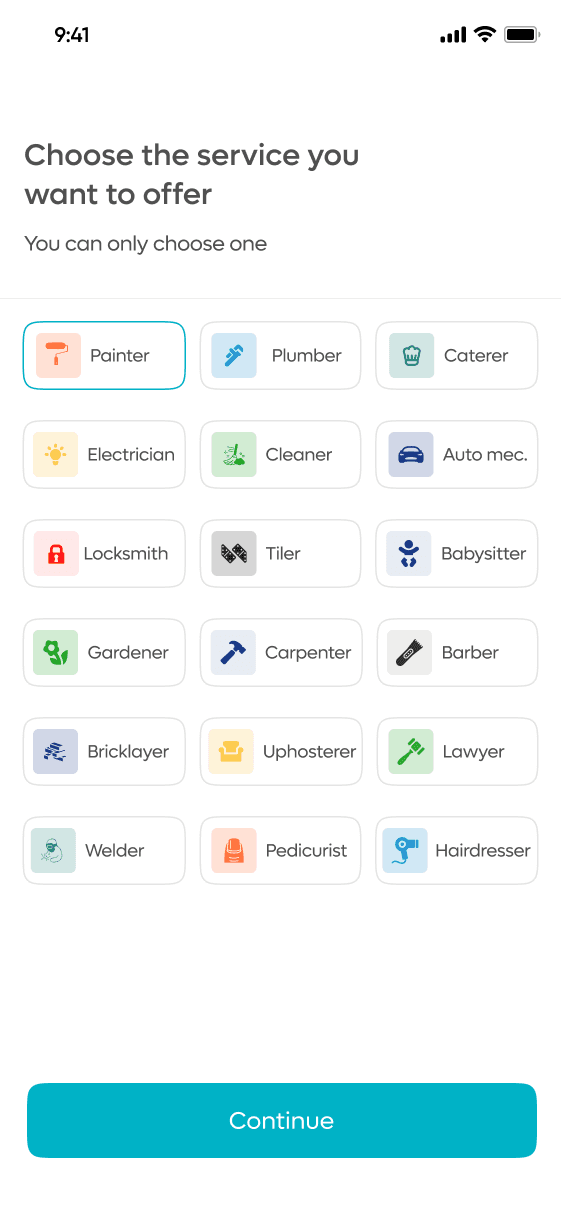
Choose your profession
Artisans select the service they want to offer — Painter, Plumber, Electrician, and more. You can only choose one primary profession, so pick the one you do best.
Enter your details
Provide your full name, WhatsApp number, email address, and a password to secure your account.
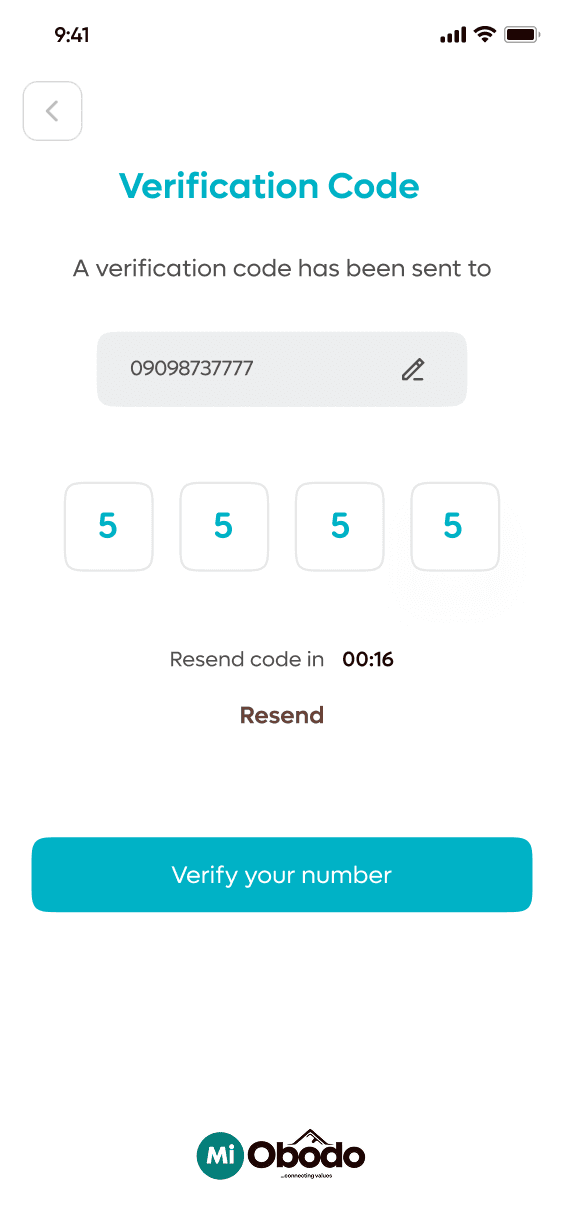
Verify your WhatsApp number
A verification code is sent to your WhatsApp. Enter it in the app to confirm your number.
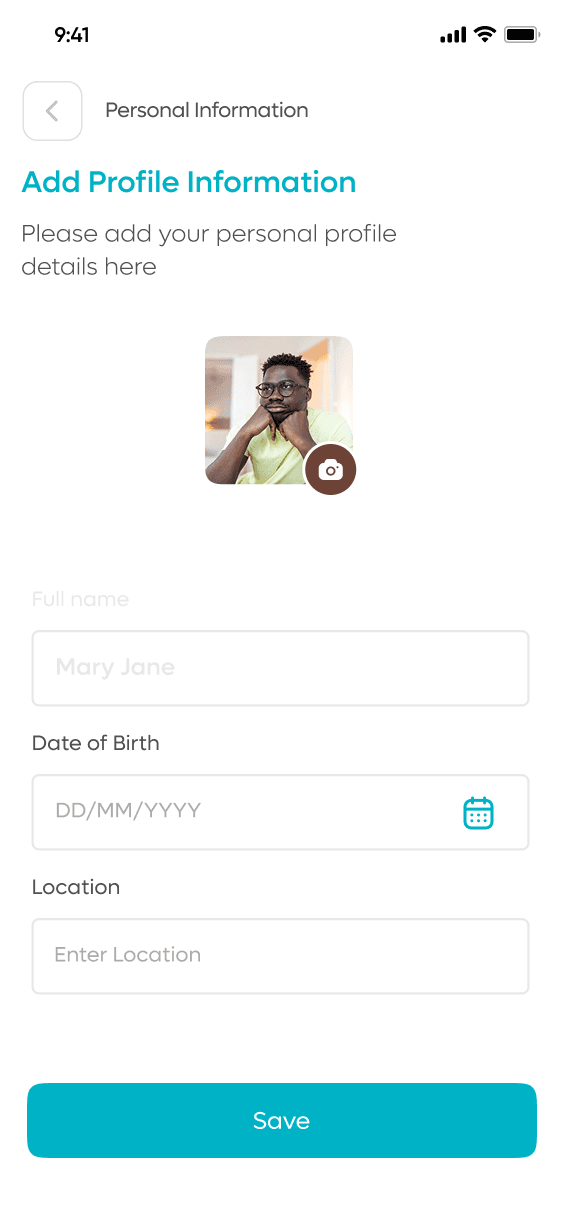
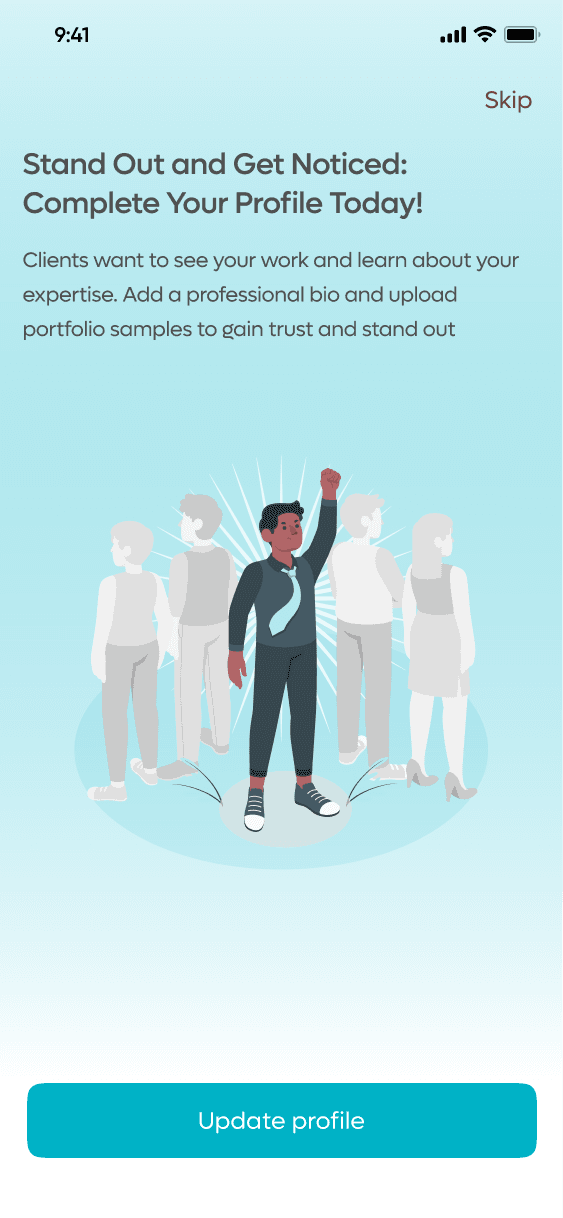
Complete your profile
Upload a profile photo. Artisans should add service details and set their location to start appearing in searches.
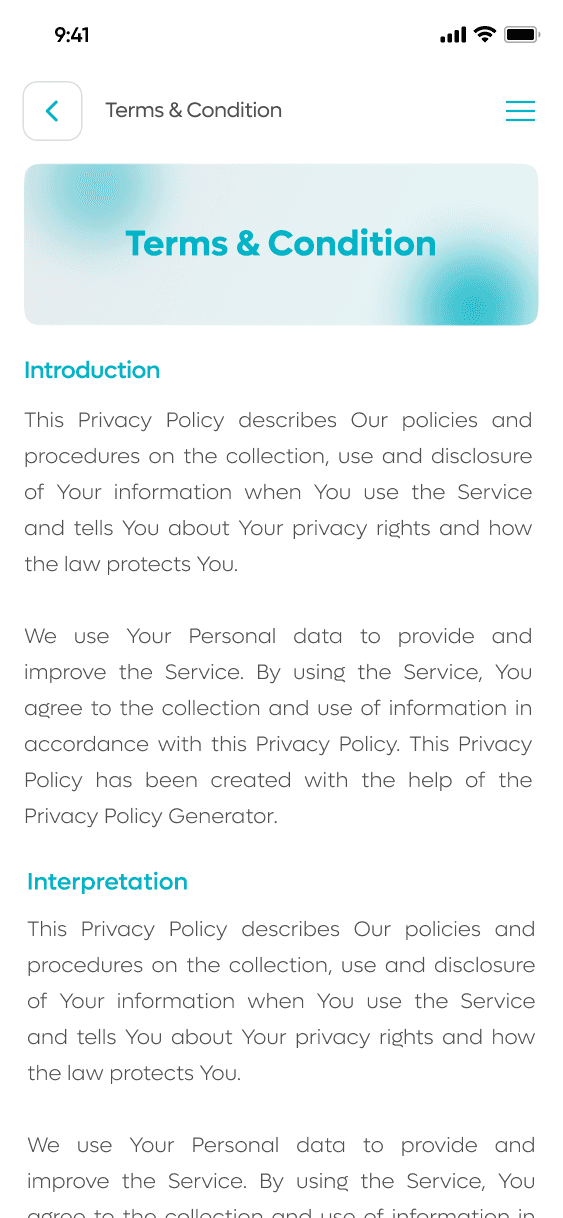
Accept Terms & Privacy Policy
Review and agree to MiObodo's Terms of Service and Privacy Policy to activate your account.
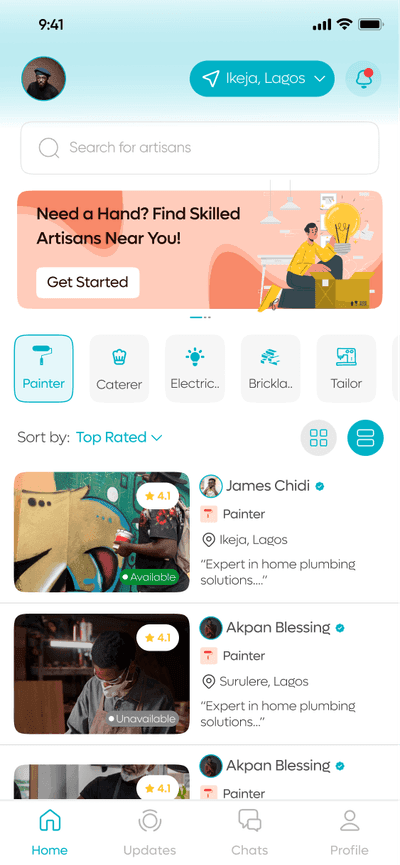
Start using MiObodo
Clients can now browse and hire. Artisans can list skills, build a portfolio, and start receiving job requests.
Download MiObodo today.
Free to download. Available on iOS and Android.